

1. Connect a server
Register a server in the portal and run the Scolah agent on it. The agent connects out to the platform over HTTPS. You don’t need to open any inbound ports.
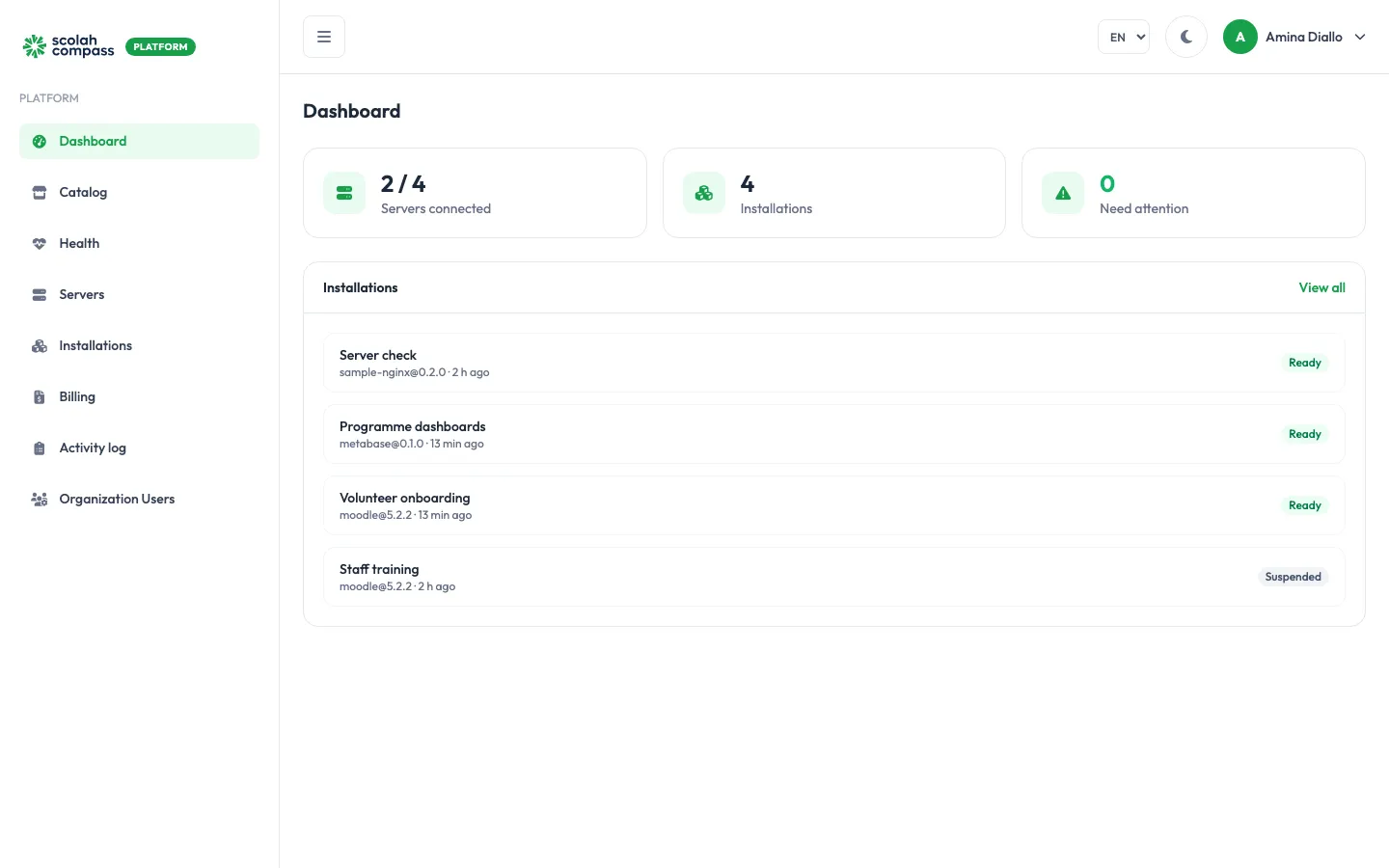
Scolah Compass Platform lets your organisation run Scolah Compass and other open-source tools (Metabase, KoboToolbox, DHIS2, Moodle and more) on your own servers, while Scolah handles installing, upgrading and monitoring them. You manage everything from the platform portal. The applications and their data stay on your infrastructure.
1. Connect a server
Register a server in the portal and run the Scolah agent on it. The agent connects out to the platform over HTTPS. You don’t need to open any inbound ports.
2. Create an installation
Pick an application and version from the catalog, choose the server and set a few options. The agent deploys it and reports its health back.
3. Operate it
Upgrade, scale, suspend or remove installations, and give them a web address, all from the portal. Every change is prechecked before it touches your server.
| Term | What it means |
|---|---|
| Organisation | Your organisation’s workspace on the platform. Servers, installations and users all belong to it. |
| Server | A machine (or Kubernetes cluster) you own that runs installations. |
| Agent | A small program running on each server. It receives instructions from the platform, deploys applications and reports their health. It only makes outbound connections. |
| Catalog | The list of applications you can install, each with tested versions. |
| Installation | One running copy of an application on one of your servers — for example “Programme dashboards” running Metabase. |
| Domain | A web address (such as dashboards.example.org) that points to an installation. |
| Role | Can do |
|---|---|
| Organization admin | Everything: add servers, create and delete installations, manage domains and users. |
| Member | View everything, and run day-to-day actions on existing installations: upgrade, scale, edit configuration, suspend, resume and retry. |