

KoboToolbox
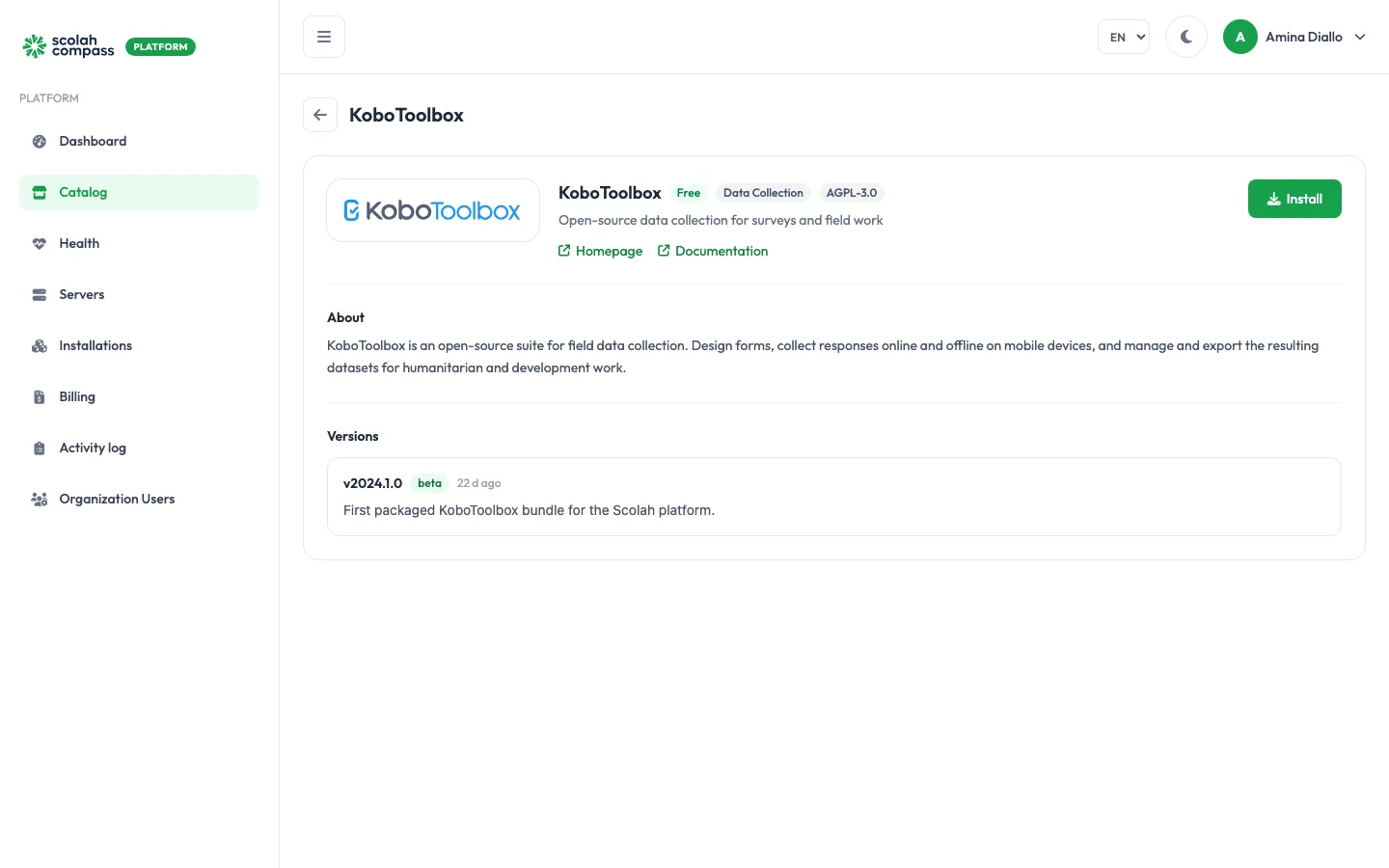
KoboToolbox is an open-source suite for field data collection. Teams design forms, collect responses online and offline on mobile devices, and manage and export the resulting datasets. It’s widely used in humanitarian and development work.
KoboToolbox is licensed under AGPL-3.0. Free to run — not billed.
What gets installed
Section titled “What gets installed”- KPI: the KoboToolbox web application, where you build forms, manage projects and view and export data.
- KoboCAT: the service that receives form submissions.
- A small proxy that serves KoboToolbox’s
kc.address. - Enketo: shows your forms as web forms, so people can fill them in from a browser.
- PostgreSQL (with PostGIS): the database for forms, projects and accounts.
- MongoDB: stores submissions.
- Redis: two instances, for background jobs and sessions.
All of these are used only by this installation.
Web addresses
Section titled “Web addresses”With a domain, KoboToolbox uses three web addresses, and needs all three:
- the main address, such as
lakeside-kobo.scolah.com, for KoboToolbox itself; kc.in front of it, the server address you give KoboCollect on phones and tablets;enketo.in front of it, for Enketo web forms.
A Scolah subdomain creates all three for you. With your own domain, enter all three hostnames when you add it, keeping the kc. and enketo. prefixes the form suggests: KoboToolbox works out the other two addresses from the main one, so a different name isn’t used. Adding or changing a domain restarts KoboToolbox so it picks up the new addresses.
You can also reach KoboToolbox on the server’s IP address and the installation’s port. That’s enough to sign in, manage accounts and build forms, but web forms and KoboCollect only work once the installation has a domain.
Before you install
Section titled “Before you install”-
Processor: the KoboToolbox images are built for x86-64 (amd64) processors only. The wizard’s Server fit check warns you if your server has a different architecture.
-
Deployment size: sets how many requests KoboToolbox handles at once and how much memory each service may use. Server fit tells you whether your server is big enough.
Size KoboToolbox and KoboCAT Databases Memory limit, all services small2 workers each smaller caches about 5 GiB medium(the default)4 workers each larger caches about 10 GiB Use
mediumfor real data-collection work. You can change the size later with Scale; the services restart with the new limits.
The first start sets up several databases and can take a long time. The platform waits up to 25 minutes for every service to become healthy before it reports a problem.
Options
Section titled “Options”| Field | What it does |
|---|---|
| Superuser username | The username of the KoboToolbox administrator created on first start. Defaults to super_admin. |
| Deployment size | small or medium, as above. |
Under Secrets:
| Field | What it does |
|---|---|
| Enketo encryption key | Optional. The key Enketo uses to encrypt form submissions. Click Generate for a strong random value. If you leave it blank, the installation uses its own generated secret key instead. It’s sealed and never shown again. |
Advanced holds the option to use PostgreSQL, MongoDB or Redis servers you already run instead of the bundled ones. See external services.
The web addresses, and whether they use HTTPS, come from the installation’s domain, so there’s nothing to set for them here. Enketo’s support contact is the email address of the organisation admin who created the installation.
First sign-in
Section titled “First sign-in”On first start, KoboToolbox creates an administrator (superuser) account:
- Username: what you entered in Superuser username (
super_adminunless you changed it). - Password: generated by the platform.
When you click Create, the portal shows the password once, under First login credentials, labelled Kobo superuser password. Copy it before you leave the page: it can’t be shown again.
Open the installation’s main address and sign in with that username and password. When a form needs a signed-in user, Enketo shows its own sign-in page: use the same KoboToolbox username and password.
The database, MongoDB and Redis passwords and the other internal keys are also generated by the platform and sealed. You never need to type them.
Connections
Section titled “Connections”KoboToolbox can offer another installation on the same server:
- KoboToolbox form data (read-only): read-only access to the PostgreSQL databases for forms and projects. User accounts, sessions and sign-in tokens are left out.
- KoboToolbox submissions (read-only): read-only access to the submissions stored in MongoDB.
Metabase can use either of these as an Analytics data source, to build dashboards on your survey data.
KoboToolbox doesn’t use anything from other installations.
See connections.