

Keycloak
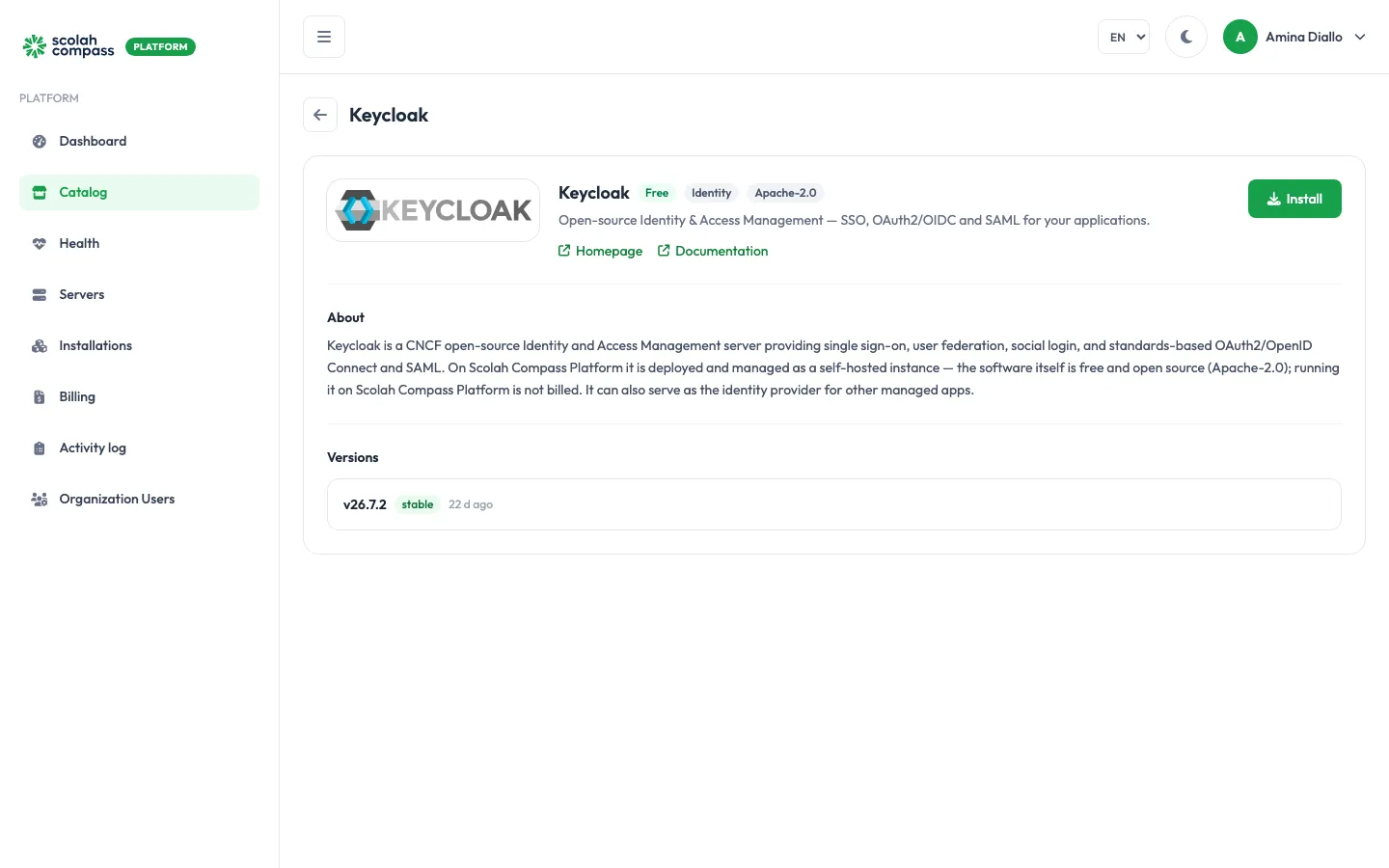
Keycloak is an open-source identity and access management server. It gives your users single sign-on, and supports OAuth 2.0, OpenID Connect and SAML. On Scolah Compass Platform it can also be the identity provider for your other installations.
Keycloak is licensed under Apache-2.0. Free to run — not billed.
What gets installed
Section titled “What gets installed”- Keycloak: the identity server, running in production mode.
- Database: a PostgreSQL database for Keycloak’s data.
Keycloak serves one website. Give it a web address from the installation’s Domains tab: see Domains and HTTPS. Once a domain is set, Keycloak uses it as its public address, so the applications that trust it always see the same issuer.
The first start builds Keycloak and creates its database schema, which can take a minute.
Before you install
Section titled “Before you install”Choose a Deployment size: small or medium. small gives Keycloak 1.5 GiB of memory and needs about 2 CPU cores, 3 GiB of memory and 5 GiB of disk. medium gives it 3 GiB and needs about 4 CPU cores, 6 GiB of memory and 10 GiB of disk. Keycloak sizes its Java heap from that memory. Server fit checks these figures.
Options
Section titled “Options”| Option | What it does |
|---|---|
| Deployment size | small for a lighter footprint. medium gives more memory for more concurrent users and realms. |
Under Advanced you can use a PostgreSQL server you already run instead of the bundled database. See External services.
First sign-in
Section titled “First sign-in”The first administrator is the Keycloak user admin. The portal generates its password and shows it once, under First login credentials, labelled Keycloak admin password, when you click Create. Copy it before leaving the page.
When the installation is Ready, open its web address and sign in to the administration console with the username admin and that password.
The database password is also generated for you. It stays on the server and is never shown.
Connections
Section titled “Connections”Keycloak can offer to other installations:
- Single sign-on (OpenID Connect): Keycloak becomes the sign-in provider for another installation, such as ERPNext or the LiteLLM admin UI. The platform sets up the client in Keycloak’s
masterrealm and passes the sign-in details to the other installation.
Keycloak can use from other installations:
- Outbound email relay: send Keycloak’s email through another installation’s mail relay. Optional.
See Connections.