

Moodle
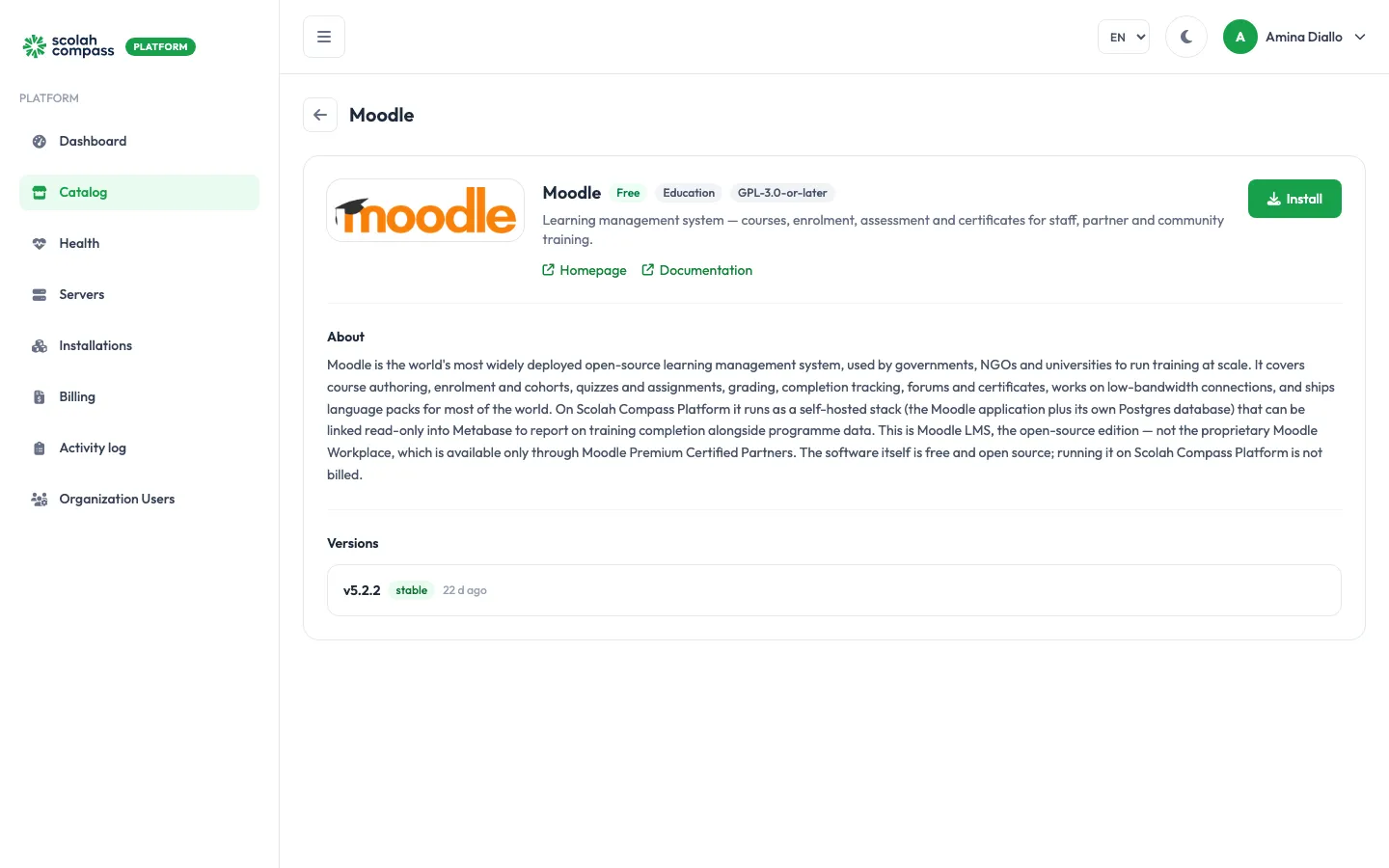
Moodle is an open-source learning management system used by governments, NGOs and universities to run training. It covers course authoring, enrolment and cohorts, quizzes and assignments, grading, completion tracking, forums and certificates. This is Moodle LMS, the open-source edition, not the proprietary Moodle Workplace.
Moodle is licensed under GPL-3.0-or-later. Free to run — not billed.
What gets installed
Section titled “What gets installed”- Moodle (version 5.2.2): the Moodle web application, built from the unmodified Moodle LMS source by a community-maintained image. Moodle’s scheduled tasks (cron) run inside it.
- Database: a PostgreSQL database used only by this installation.
Moodle is served from one web address: the installation’s main address. Without a domain, that is the server’s IP address and the installation’s own port, for example http://203.0.113.10:20001. When you give it a domain, Moodle moves to the domain on its next start, including https links when the domain has HTTPS. You don’t set any of this yourself.
The first start runs Moodle’s full installer and can take several minutes. The installation shows Ready once the Moodle sign-in page responds.
Before you install
Section titled “Before you install”Choose a Deployment size:
- small: Moodle gets 1.5 GiB of memory and up to 6 PHP workers; the database gets 512 MiB.
- medium: Moodle gets 4 GiB and up to 16 PHP workers; the database gets 1 GiB. For larger course catalogues and more learners at once.
The wizard’s Server fit check tells you whether your server is big enough for the size you pick. You can change size later with Scale; Moodle and its database restart with the new limits.
If Moodle should send email (account, enrolment and forum notifications), have an SMTP mail server ready. Without one, Moodle queues these messages and nothing leaves the server.
Options
Section titled “Options”| Field | What it does |
|---|---|
| Deployment size | small or medium, as above. |
| Site name | The full site name. Defaults to Moodle. It can’t contain spaces when you install; use a hyphen or underscore. You can rename the site in Moodle afterwards, under Site administration > Site home settings. |
| Administrator username | The username of the Moodle site administrator created on first start. Defaults to admin. It can’t contain spaces, and a later upgrade doesn’t change it. |
| Administrator email | Where Moodle sends password resets and site notices for the administrator. Filled in with your own email address; select Change to use a different one. |
| Site language | The Moodle language pack to install, such as en, fr or pt. |
Advanced holds Maximum upload size (the largest file a teacher or learner can upload; defaults to 50M), PHP memory limit (defaults to 256M; raise it if course backup or restore runs out of memory), and the mail settings SMTP host, SMTP port, SMTP username, SMTP password and SMTP encryption. Leave SMTP host blank to turn outbound mail off. SMTP password is stored sealed and never shown again. You can also connect a mail relay registered on the server as an Outbound email relay instead (see Connections). The database and its user are always named moodle. Advanced also offers the option to use a PostgreSQL server you already run instead of the bundled database. See external services.
First sign-in
Section titled “First sign-in”On first start, Moodle creates the site administrator:
- Username: what you entered in Administrator username (
adminunless you changed it). - Password: generated by the platform.
When you click Create, the portal shows the password once, under First login credentials, labelled Moodle admin password. Copy it before you leave the page: it can’t be shown again.
Open the installation’s address and sign in with that username and password. The administrator’s email is the one in Administrator email.
The database password is also generated by the platform and sealed. You never need to type it.
Connections
Section titled “Connections”Moodle can offer another installation on the same server:
- Moodle learning records (read-only): read-only access to the Moodle database, for reporting on training, for example completion. User accounts, sessions, web service tokens, password history and private keys are left out. Metabase can use it as an Analytics data source, to report on training alongside programme data.
It can use:
- Outbound email relay: a mail relay registered on the server, so Moodle can send email. Optional. It fills in Moodle’s mail settings, including the password.
See connections.