

Users and roles
Organization Users lists everyone who can sign in to your organisation’s portal, with their role. Only Organization admins can open this page.
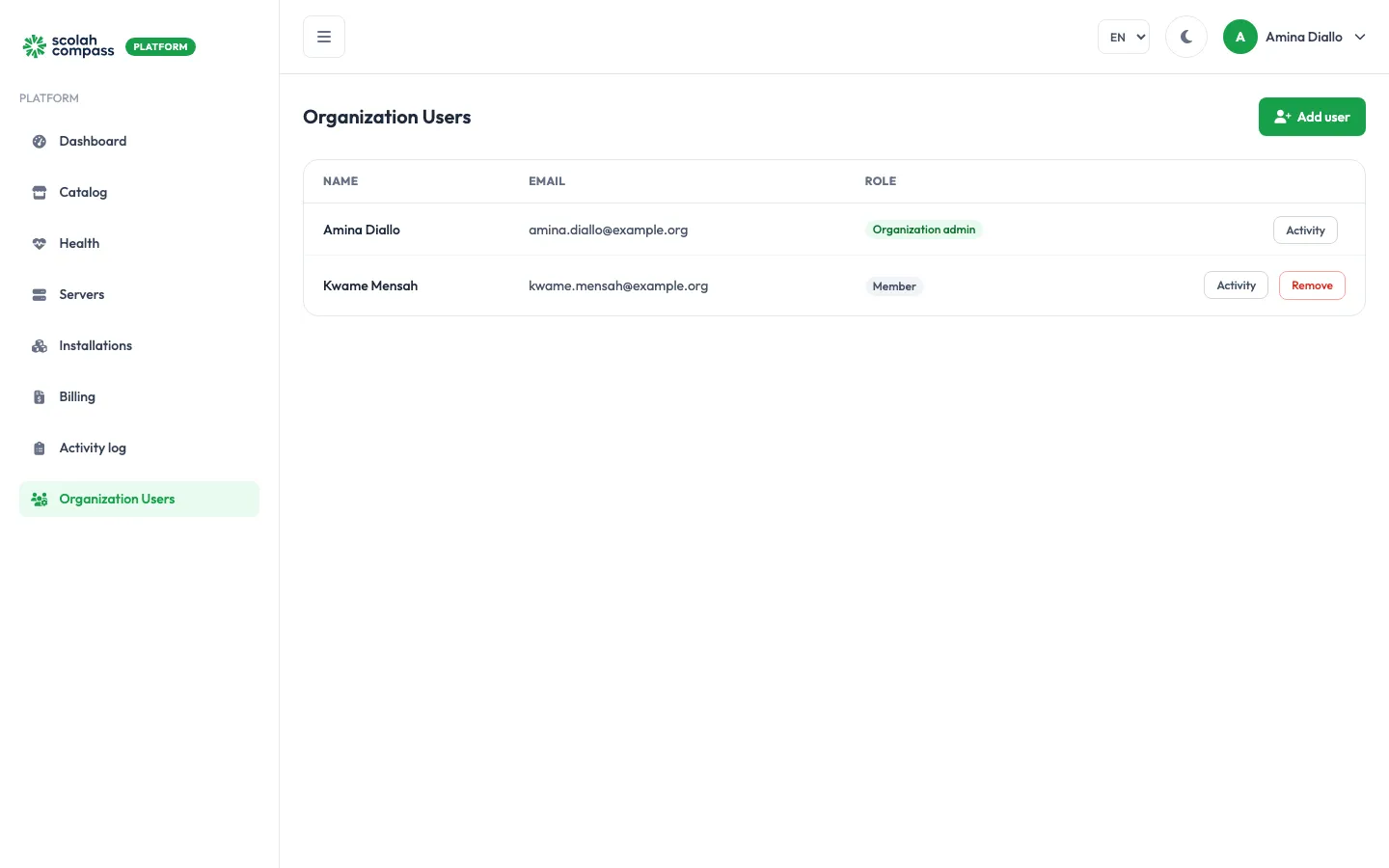
| Role | Can do |
|---|---|
| Organization admin | Everything: add and remove servers, create and delete installations, manage domains, and manage users. |
| Member | View every page, and run day-to-day actions on existing installations: upgrade, scale, edit config, suspend, resume and retry. Members can’t create or delete installations or servers, change domains or manage users. |
In the Add user form the roles appear as Social worker (a member) and Social worker (admin) (an organization admin).
Add a user
Section titled “Add a user”- Click Add user.
- Enter their First name, Last name and Email, and choose a Role.
- Click Add user.
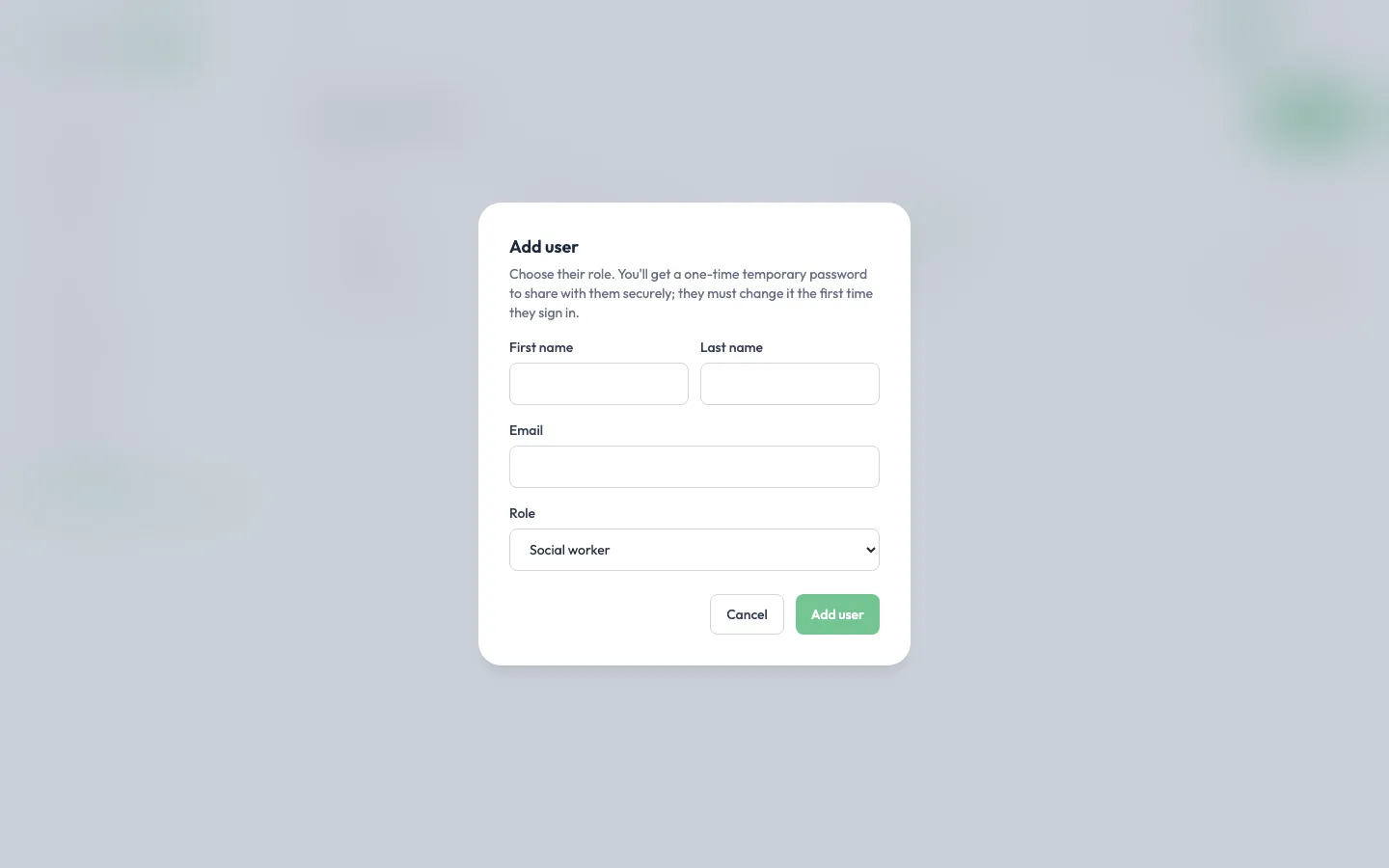
No email is sent. Instead the portal shows a temporary password, once. Send it to the person securely, for example in a password manager share or by phone, not in the same email as their username. They must change it the first time they sign in.
Remove a user
Section titled “Remove a user”Click Remove next to the user and confirm. They lose access to your organisation on the platform straight away. Their Scolah account itself isn’t deleted.
See what a user has done
Section titled “See what a user has done”Click Activity next to a user to open the Activity log filtered to that person.