

OpenMRS
OpenMRS is an open-source platform for electronic medical records, built by a global community for health facilities. It provides patient and encounter management, a concept dictionary, forms and reporting, and a module framework that programmes extend for their own workflows.
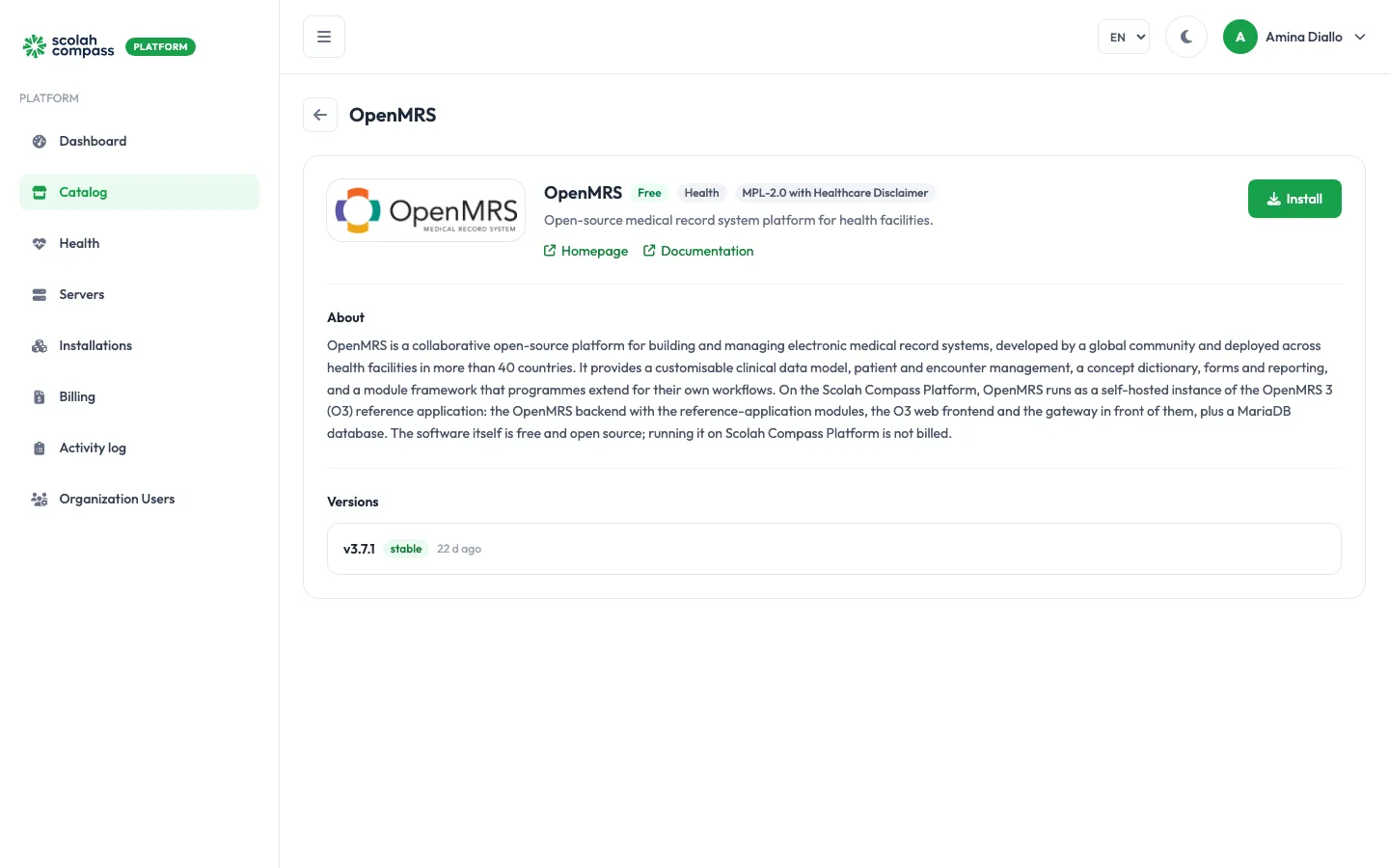
OpenMRS is licensed under MPL-2.0 with Healthcare Disclaimer. Free to run — not billed.
What gets installed
Section titled “What gets installed”This is the OpenMRS 3 Reference Application (version 3.7.1), which includes the user interface:
- Gateway: the entry point that sends browser requests to the interface or the server.
- Frontend: the OpenMRS 3 web interface.
- Backend: the OpenMRS server with the reference application modules.
- Database: a MariaDB database, used only by this installation.
OpenMRS is served from one web address: the installation’s main address. The interface is at /openmrs/spa on that address. You can reach it on the server’s IP address, or give it a domain.
The first start loads all the reference application modules and can take several minutes.
Before you install
Section titled “Before you install”Choose a Deployment size:
- small: OpenMRS gets 3 GiB of memory (2 GiB for Java) and the database 1 GiB.
- medium: OpenMRS gets 7 GiB (5 GiB for Java) and the database 3 GiB, for larger patient registries and more concurrent users.
You can change the size later with Scale. OpenMRS and its database restart with the new limits; your data is kept.
The wizard’s Server fit check tells you whether your server is big enough for the size you pick.
Options
Section titled “Options”| Field | What it does |
|---|---|
| Deployment size | small or medium, as above. |
Advanced holds Database user (default openmrs) and the option to use a MySQL-compatible server you already run instead of the bundled database. See external services. The database itself is always called openmrs.
First sign-in
Section titled “First sign-in”The first administrator is the OpenMRS user admin. The portal generates its password for each installation and shows it once, under First login credentials, labelled Admin password, when you click Create. Copy it before leaving the page: it can’t be shown again.
OpenMRS’s well-known default password, Admin123, doesn’t work on these installations.
When the installation is Ready, open its address and go to /openmrs/spa. Sign in with the username admin and that password, then choose a location to work in.
To change the password later, change it inside OpenMRS. The database passwords are also generated for you. They stay on the server and are never shown.
The installation starts with the reference application’s sample setup (locations, forms and clinical concepts) so that it is usable straight away, but with no patients: the reference application’s 50 made-up demo patients are not created.
Connections
Section titled “Connections”OpenMRS can offer another installation on the same server:
- OpenMRS clinical data (read-only): read-only access to the OpenMRS database, for reporting tools. The user account tables are left out.
This connection needs the bundled database. If OpenMRS uses a MySQL-compatible server you already run, connect your reporting tool to that server directly instead.
OpenMRS doesn’t use anything from other installations.
See connections.