

Budget Reports and Exports
Everyone except requesters can open reports.
Open a budget report
Section titled “Open a budget report”- Go to Budget → Reports and click Open report on a budget (or Report on the budget’s page).
- Choose the dates, or Whole budget period, and Month or Quarter, then click Apply.
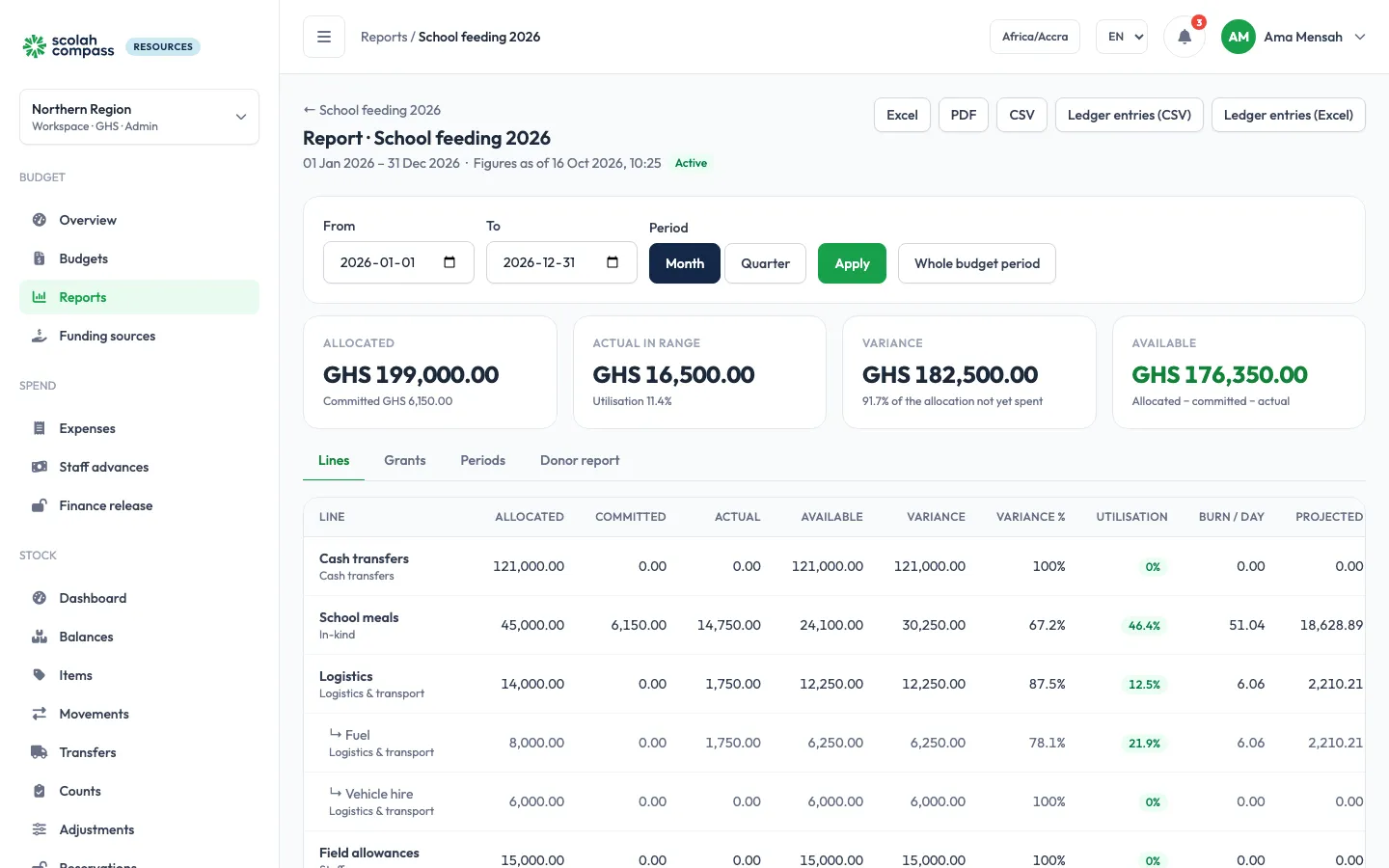
The report has four tabs:
| Tab | Shows |
|---|---|
| Lines | Each line’s allocated, committed and actual in the range, variance and utilisation; for active budgets, burn per day, projected spending and the date it runs out |
| Grants | Each funding source’s amount and what it has funded |
| Periods | Actual spending per month or quarter against the plan: Plan for the period, Plan (cumulative), and how far spending is ahead of or behind it |
| Donor report | One grant at a time: the lines it funds, spending against them, its period and restrictions |
The plan comes from each line’s phasing. A line that isn’t phased is spread evenly over the budget’s days. A quarterly phase shown by month is shared out by the days in each month, and a period that is only partly over counts the days already passed.
Export
Section titled “Export”On the report, choose Excel, PDF or CSV. The summary export has the Lines, Grants and Periods; the donor report exports for the chosen grant. Ledger entries (CSV) and Ledger entries (Excel) export every entry in the range.
PDF and Excel exports carry your workspace’s report branding: logo, organisation name, tagline, footer and colours.