

Sample (nginx)
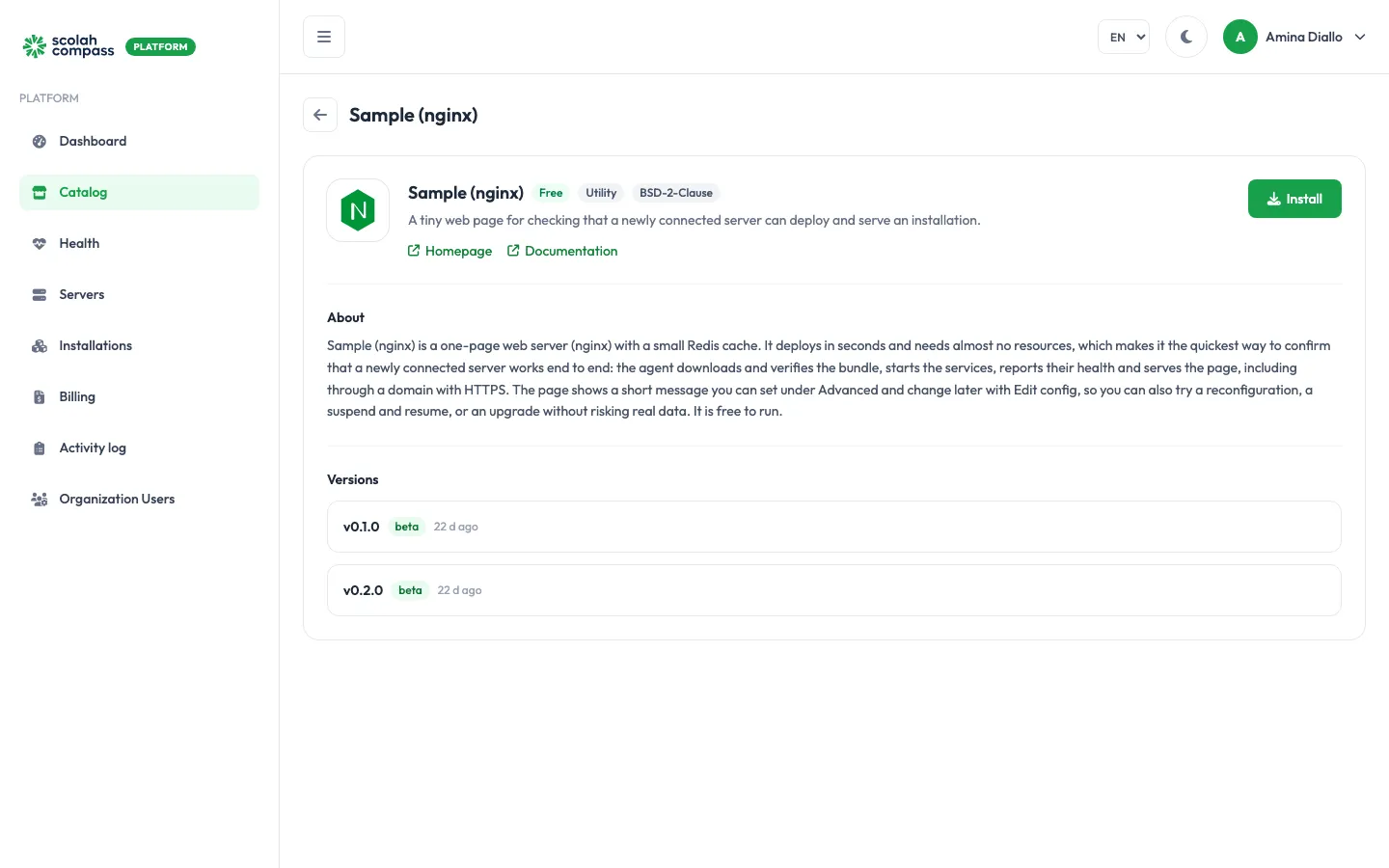
Sample (nginx) is the quickest way to check that a server you’ve just connected works end to end: the agent can download and verify a bundle, start services, report their health, and serve a page. It deploys in seconds, needs almost no resources, and holds no data you’d miss, so it’s also a safe place to try suspend, resume, Edit config or an upgrade before doing it on a real application.
It’s free to run: not billed. nginx is open source (BSD-2-Clause).
What gets installed
Section titled “What gets installed”- web: nginx serving a one-line page,
Hello from Scolahunless you set your own message. - cache: a small Redis instance. Version
1.31.6only.
The page is served from the installation’s main address. Add a domain to check that HTTPS works on the server too.
Versions
Section titled “Versions”| Version | What’s in it |
|---|---|
1.31.5 |
nginx’s default welcome page. |
1.31.6 |
Your own message, and the Redis cache. |
Install 1.31.5 and then upgrade to 1.31.6 to rehearse an upgrade.
Before you install
Section titled “Before you install”The server only needs to be Connected. Sample (nginx) uses about 1 vCPU, 1 GiB of memory and 1 GiB of disk, so it fits on any server that can run Docker.
Options
Section titled “Options”| Field | What it does |
|---|---|
Custom message (under Advanced, version 1.31.6) |
Text the page shows instead of Hello from Scolah. Change it later with Edit config to try a reconfiguration. |
First sign-in
Section titled “First sign-in”There’s nothing to sign in to. Open the installation’s address in a browser: you should see the message.
Checking a new server
Section titled “Checking a new server”- Connect the server and wait for Connected.
- Create an installation of Sample (nginx) on it.
- Wait for Ready. Then open the page at the server’s IP address, or at a domain if you added one.
If it doesn’t reach Ready, see Troubleshooting. When you’re done, Delete it.