

openIMIS
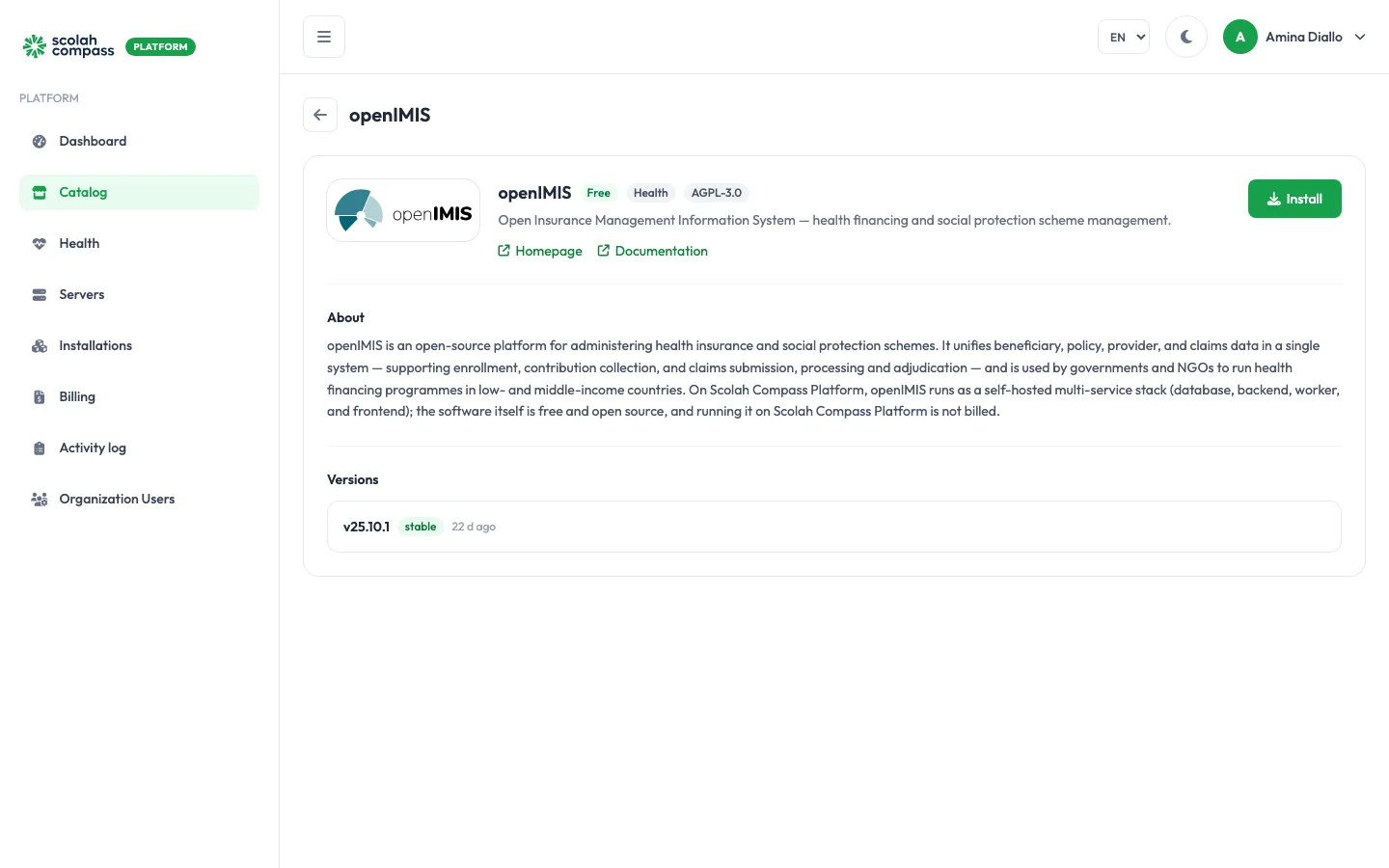
openIMIS is an open-source platform for running health insurance and social protection schemes. It brings beneficiary, policy, provider and claims data into one system, covering enrolment, contribution collection, and claims submission and processing. Governments and NGOs use it to run health financing programmes.
openIMIS is licensed under AGPL-3.0. Free to run — not billed.
What gets installed
Section titled “What gets installed”- Frontend: the openIMIS web application that people use in their browser.
- Backend: the openIMIS server, plus a worker for background tasks.
- Migrations: a one-off step that prepares the database, then stops.
- Database: a PostgreSQL database, created empty (no demo data).
- Redis: a cache.
- RabbitMQ: a message queue between the backend and the worker.
openIMIS is served from one web address: the installation’s main address. The application itself is at /front/ on that address. You can reach it on the server’s IP address, or give it a domain.
Before you install
Section titled “Before you install”Choose a Deployment size:
| Size | Backend | Background workers | Database |
|---|---|---|---|
| small | 4 request threads, up to 1 GiB | 2 processes, up to 1.5 GiB | up to 2 GiB |
| medium | 8 request threads, up to 3 GiB | 4 processes, up to 4 GiB | up to 3 GiB |
Choose medium for larger insuree registries and more concurrent users.
The wizard’s Server fit check tells you whether your server is big enough for the size you pick.
Options
Section titled “Options”| Field | What it does |
|---|---|
| Deployment size | small or medium, as above. |
Advanced holds Public domain (the hostname openIMIS serves on; leave it blank to use the server IP). The bundled database is always named IMIS, with the user IMISuser, so backups and the read-only connection always find it.
You can also use a PostgreSQL, Redis or RabbitMQ server you already run instead of the bundled ones. See external services. With an external PostgreSQL server, the platform creates the IMIS database on it. With an external RabbitMQ server, openIMIS connects with the host, port, username and password you registered for it; the password must not contain @, : or /, because it is placed in a connection address.
First sign-in
Section titled “First sign-in”openIMIS ships with a well-known administrator login. The platform replaces its password with a generated one while the database is prepared, before openIMIS first starts, so the published default never works on your installation.
The generated password appears once, under First login credentials, when you select Create, as openIMIS admin password. Copy it then: the portal can’t show it again.
- Open the installation’s address and go to
/front/. - Sign in with the username
Adminand the openIMIS admin password. - Change the password in openIMIS if your policy requires it. The platform only replaces the default password, so a password you set yourself is kept when the installation is redeployed or upgraded.
The database password, the Redis password and the application’s secret key are also generated by the platform and sealed. You never need to type them.
Connections
Section titled “Connections”openIMIS can offer another installation on the same server:
- openIMIS claims data (read-only): read-only access to the openIMIS database, for reporting tools. User accounts, sessions and tokens are left out.
openIMIS doesn’t use anything from other installations.
See connections.