

ERPNext
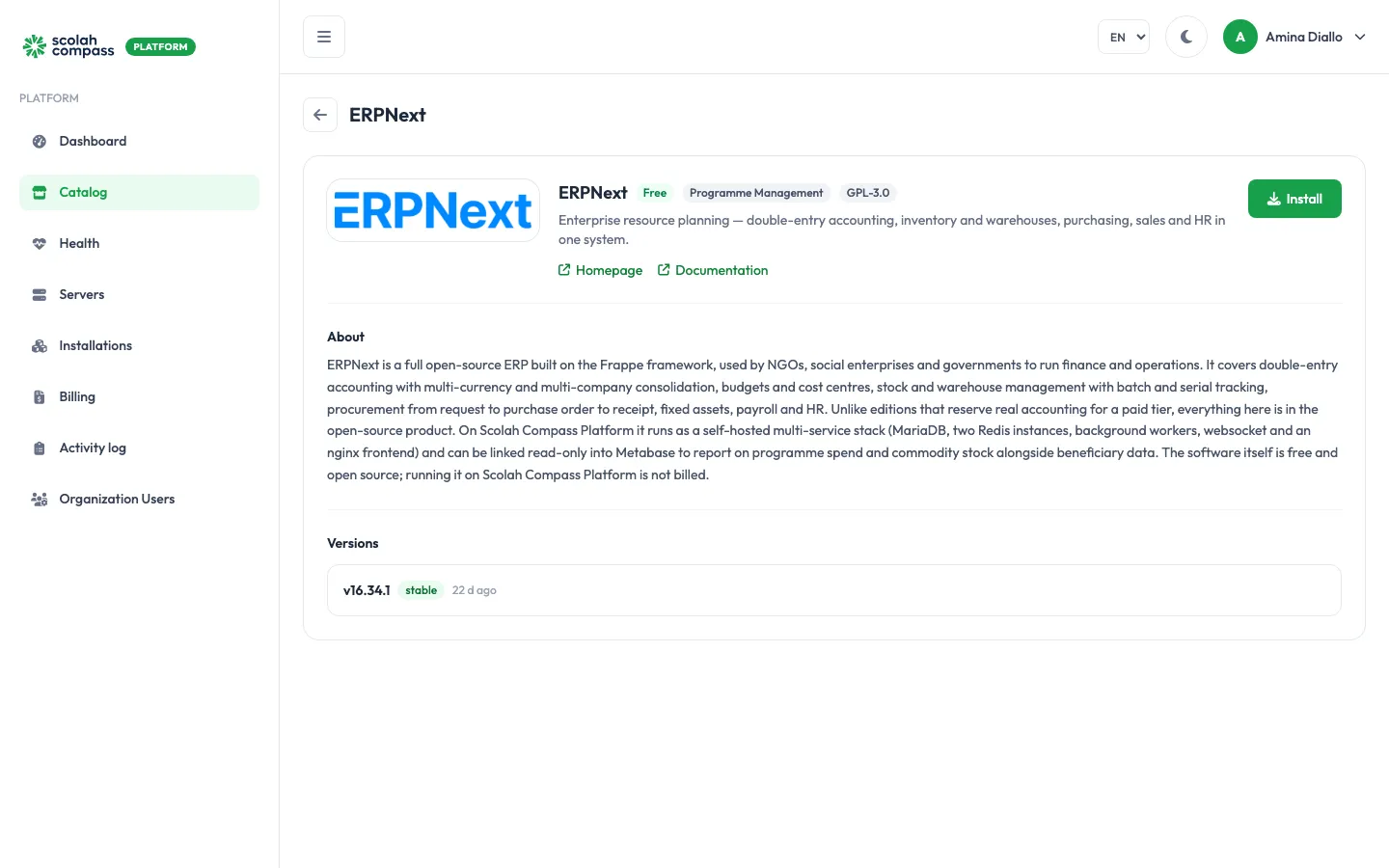
ERPNext is an open-source enterprise resource planning system built on the Frappe framework. Finance and operations teams use it for double-entry accounting, budgets and cost centres, stock and warehouses, procurement, fixed assets, payroll and HR.
ERPNext is licensed under GPL-3.0. Free to run — not billed.
What gets installed
Section titled “What gets installed”- Database: a MariaDB server holding the ERPNext site’s data.
- Two Redis instances: one for caching and one for background job queues.
- Set-up steps that run once and then stop: one writes the shared configuration, the other creates the ERPNext site and installs the ERPNext app. On later redeploys or upgrades the site is left as it is.
- Backend: the ERPNext application server.
- Websocket: live updates in the browser.
- Background workers: two queue workers and a scheduler.
- Frontend: the web server your users connect to.
ERPNext serves one website. Give it a web address from the installation’s Domains tab: see Domains and HTTPS.
The first deployment creates the site and its database, so it takes longer than most applications. The portal waits up to 15 minutes for it to become healthy.
Before you install
Section titled “Before you install”- Choose a Deployment size:
smallormedium.smallruns 2 web workers, gives the ERPNext backend and the database 1 GiB of memory each, and needs about 2 CPU cores, 4 GiB of memory and 15 GiB of disk.mediumruns 4 web workers, gives each 2 GiB and the database a larger cache, and needs about 4 CPU cores, 8 GiB of memory and 30 GiB of disk. Server fit checks these figures. - Upgrades are checked before they start: the server needs at least 10 GiB of free disk and 4 GiB of free memory, and an installation can only be upgraded from version 15.0.0 or later.
Options
Section titled “Options”| Option | What it does |
|---|---|
| Deployment size | small for a lighter footprint. medium gives more web workers and memory for larger item catalogues, more open transactions and more concurrent users. |
| Maximum upload size | The largest file that can be attached to a document, such as 50m or 200m. Defaults to 50m. Raise it for scanned invoices and delivery notes. |
Under Advanced you can set the Database name (default erpnext), and choose to use a MySQL server or Redis you already run instead of the bundled ones. See External services.
If you use your own MySQL or MariaDB server, the platform needs its root password: creating the site also creates the ERPNext database and its user.
First sign-in
Section titled “First sign-in”The first administrator is the ERPNext Administrator account. The portal generates its password and shows it once, under First login credentials, labelled ERPNext admin password, when you click Create. Copy it before leaving the page.
When the installation is Ready, open its web address and sign in with the username Administrator and that password.
To change the password later, change it inside ERPNext. The database root password is also generated for you. It stays on the server and is never shown.
Connections
Section titled “Connections”ERPNext can offer to other installations:
- Finance and inventory data (read-only): read-only access to the ERPNext database, for example so Metabase can report on programme spend and commodity stock. Sign-in tables are excluded.
ERPNext can use from other installations:
- Single sign-on provider: let users sign in to ERPNext through an identity provider such as Keycloak.
- Outbound email relay: send ERPNext’s email through another installation’s mail relay.
Both are optional. See Connections.