

DHIS2
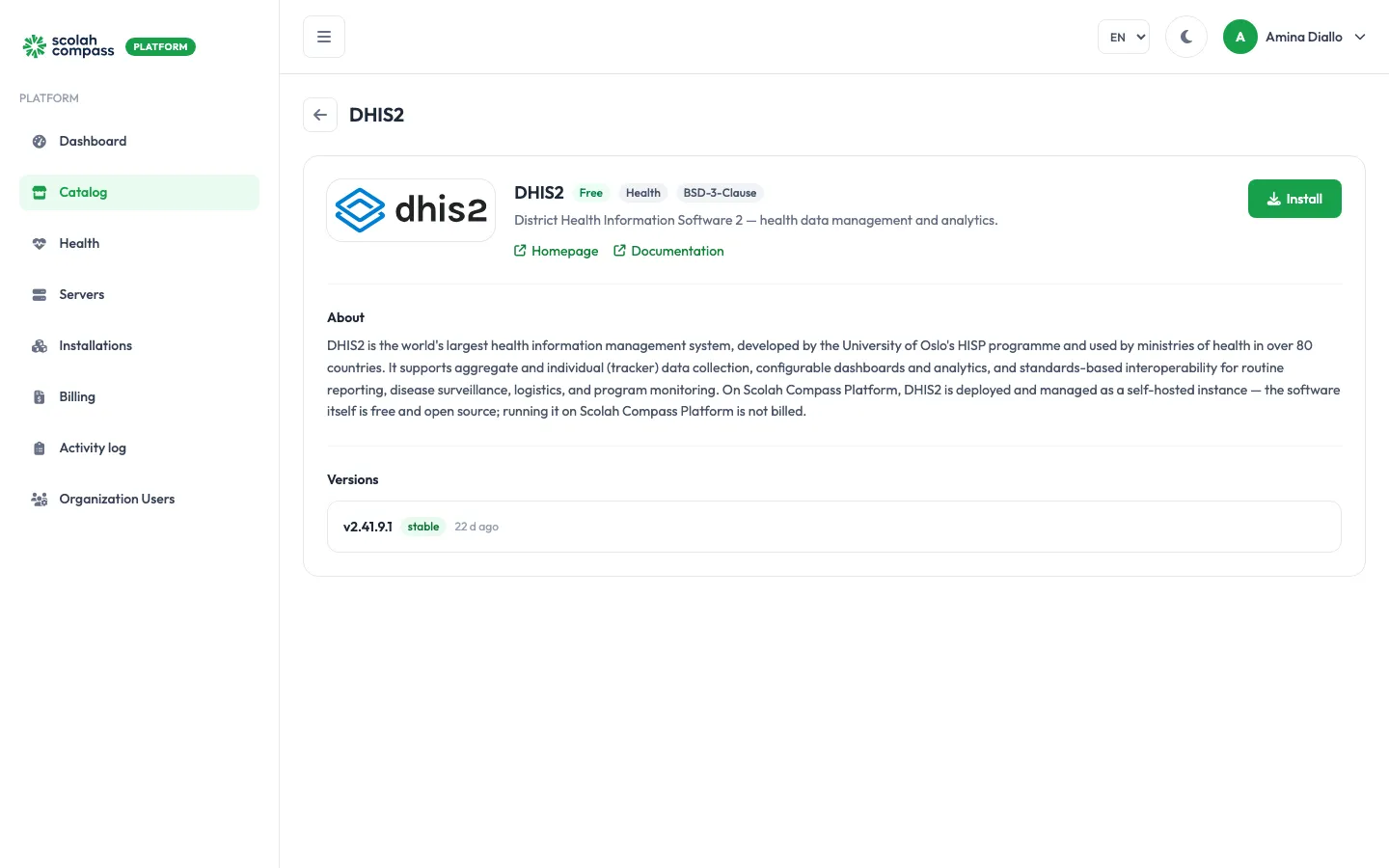
DHIS2 is a health information management system developed by the University of Oslo’s HISP programme and used by ministries of health. It supports aggregate and individual (tracker) data collection, dashboards and analytics, for routine reporting, disease surveillance, logistics and programme monitoring.
DHIS2 is licensed under BSD-3-Clause. Free to run — not billed.
What gets installed
Section titled “What gets installed”- DHIS2 (version 2.41.9.1): the DHIS2 web application.
- Database: a PostgreSQL database with the PostGIS extension, used only by this installation.
DHIS2 is served from one web address: the installation’s main address. You can reach it on the server’s IP address, or give it a domain.
The first start runs DHIS2’s database setup and can take several minutes. The installation shows Ready once the DHIS2 sign-in page responds and the default administrator password has been replaced (see First sign-in).
Before you install
Section titled “Before you install”Choose a Deployment size:
- small: DHIS2 gets 3 GiB of memory (2 GiB of it for Java) and its database 2 GiB.
- medium: DHIS2 gets 7 GiB of memory (5 GiB of it for Java) and its database 4 GiB, for larger datasets and more concurrent users.
You can change the size later with Scale. A Java heap you set yourself under JVM options (for example -Xmx4g) overrides the one the size picks; keep it below the DHIS2 memory for your size.
The wizard’s Server fit check tells you whether your server is big enough for the size you pick.
Options
Section titled “Options”| Field | What it does |
|---|---|
| Deployment size | small or medium, as above. |
Advanced holds Base URL (the public address DHIS2 uses to build links; leave it blank to use the server IP), JVM options (extra Java settings, such as -Xmx4g), DHIS2 admin username (leave it as admin unless you renamed that account), and the option to use a PostgreSQL server you already run instead of the bundled database. See external services.
First sign-in
Section titled “First sign-in”The platform generates a DHIS2 administrator password for each installation. After you select Create, the wizard shows it once under First login credentials as DHIS2 admin password. Copy it straight away: it can’t be shown again.
Open the installation’s address and sign in with username admin and that password. DHIS2’s public default password, district, doesn’t work: the installation replaces it on first start, before it reports Ready.
The platform also signs in with this password to configure the installation, for example to set up outbound email. If you change the admin password in DHIS2, the platform can no longer do that.
The database password is also generated by the platform and sealed. You never need to type it.
Connections
Section titled “Connections”DHIS2 can offer another installation on the same server:
- DHIS2 programme data (read-only): read-only access to the DHIS2 database, for reporting tools. User accounts, user details and sign-in tokens are left out.
It can use from another installation:
- Single sign-on provider: lets people sign in to DHIS2 through your identity provider. Optional.
- Outbound email relay: lets DHIS2 send email. Optional. The platform sets it up by signing in as the DHIS2 administrator with the generated password.
See connections.